5.5 The Resource Policies Page
The tab of the Resource admin view opens a page that contains a policy viewer for each of the policies associated with a Resource Grid object.
You can modify a policy using the Policy Grid object. For more information see Section 12.1, The Policy Object.
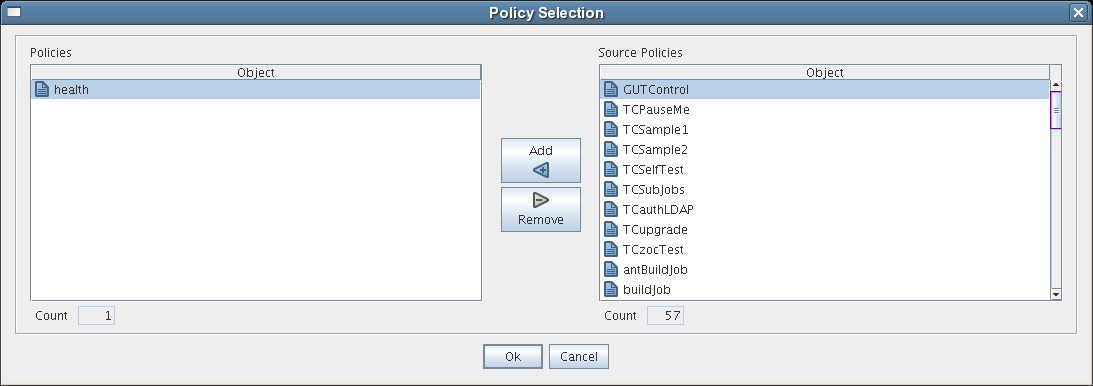
Click in the admin view of the Policy viewer to launch a Policy Selection dialog box where you can add or remove individual policies to be applied to the selected Resource Grid object.
Figure 5-1 The Policy Selection Dialog Box