2.5 Auditing SQL Views
You can audit the events impacting SQL Views. You can audit when operations are started and stopped, and when views are created and dropped.
To access the audit options:
-
In the Operations Center console, expand > > .
-
Right-click the element, then select > to display:
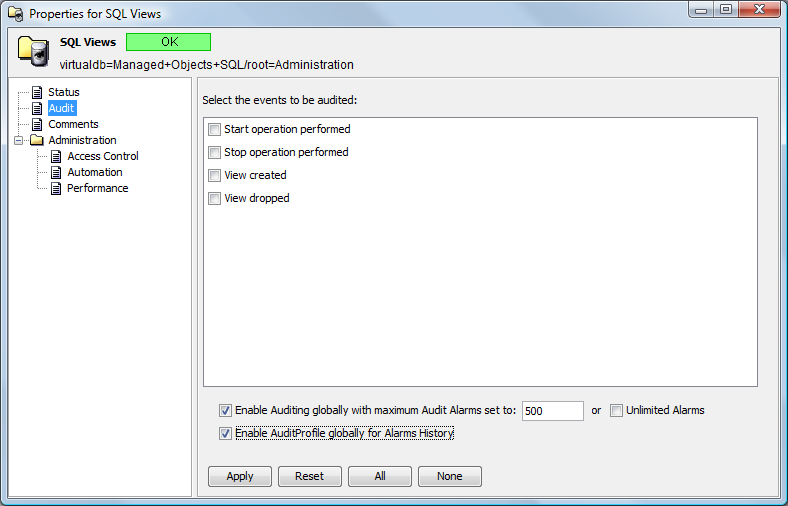
-
For more information about auditing, particularly how to use the global options and how to view audited events, see the Operations Center 5.5 Security Management Guide.