15.2 Saving (Exporting) an Element Hierarchy Structure
To save (export) an element hierarchy structure as an XML file in the View Builder Repository:
-
In the pane, expand the root element > .
-
Right-click , then select to open the Export dialog box:
-
Click to navigate to the element to export.
The Choose Element dialog box opens.
-
Select the element, then click to close the Choose Element dialog box.
-
Click to select a destination file.
The Open dialog box opens.
-
Navigate to the desired directory and specify an XML filename.
-
Click to accept the destination directory and filename.
-
Select the check box to be able to access, edit or execute the XML file from the View Builder Repository.
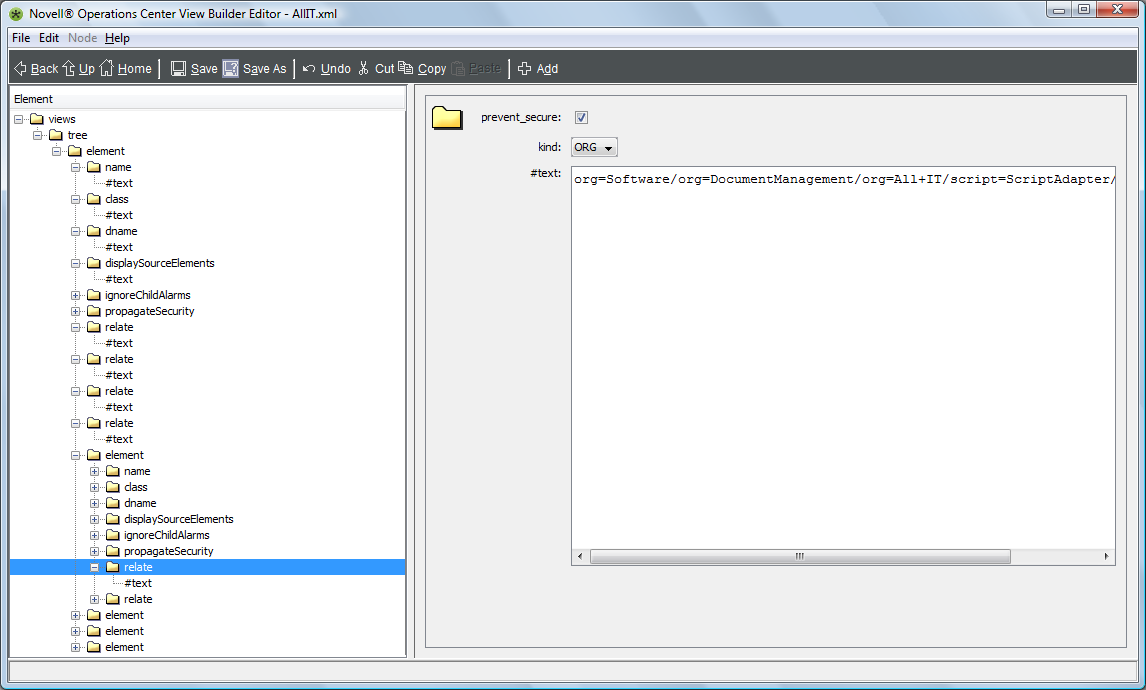
The XML file is saved to the /OperationsCenter_install_path/database/ViewBuilder directory during export and can be edited later using the XML editor.
A new element displays under after export.
-
Click to create the XML file.