12.4 Viewing Alarm History
After capturing and storing alarm history, do one of the following to view the alarm history:
-
View alarm history for elements by using the option in the view, then change the alarm display using the options listed under the menu.
These options include defining the maximum number of historical alarms displayed.
-
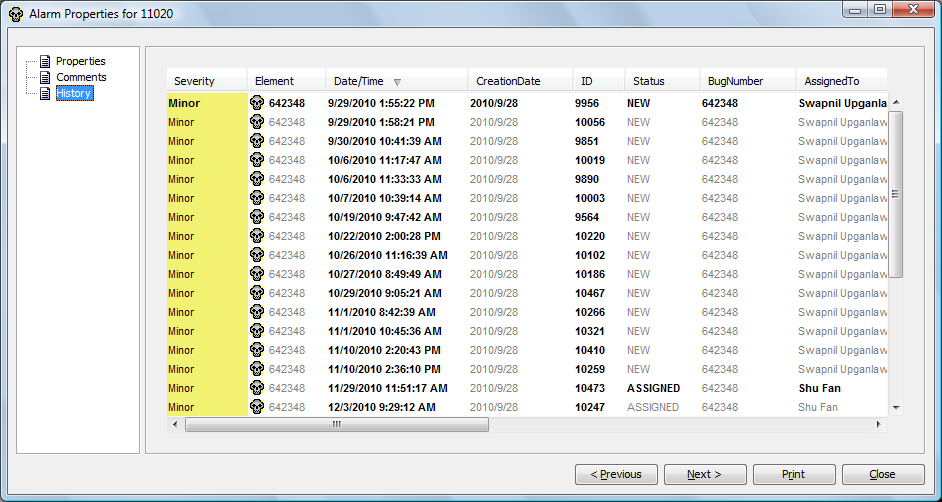
Double-click an alarm recorded, then select the tab to view the history of a single alarm.
-
Click the down arrow to view additional instances of an alarm:
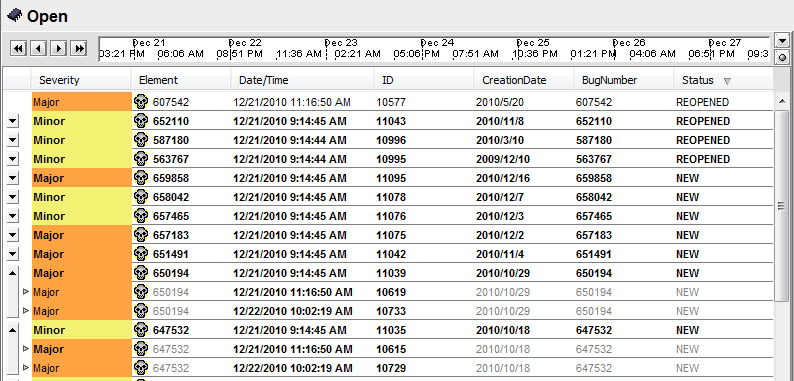
-
View the properties and history of an alarm using the alarm property pages: