9.2 Checking the Alarm Server Status
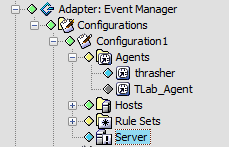
The Alarm server status updates automatically. The colored diamond next to the element in the pane identifies the server condition.
Figure 9-1 Explorer Pane: The server condition indicators display.
To view Alarm server state and status information:
-
In the pane, expand the root element > > the Event Manager adapter > > a configuration profile for the adapter.
-
Right-click , then select to open the Status property page:
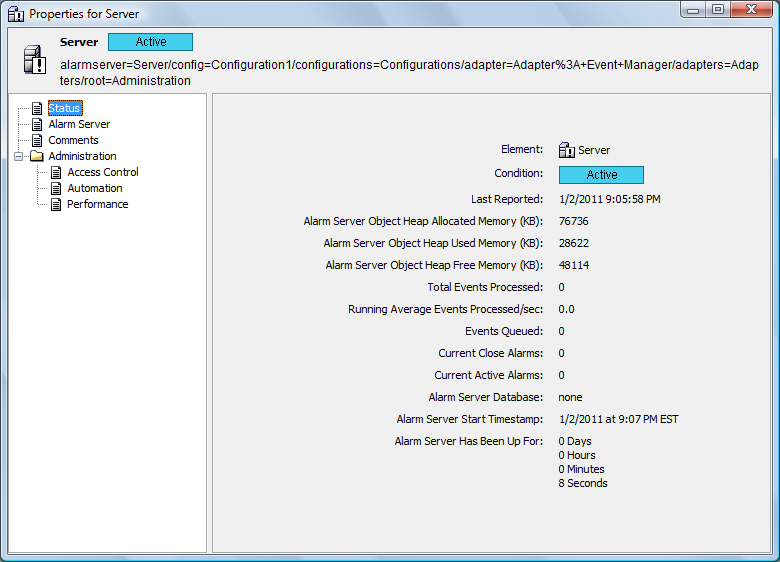
This page displays state and status information.