9.5 Configuring Identity Manager to Use Your postfix MTA Service
-
Log in to iManager as admin. (https://172.17.2.117:8443/nps/iManager.html)
-
Select .
-
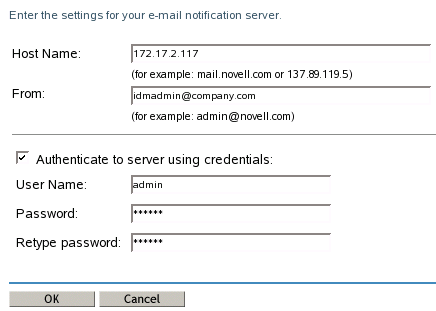
Specify the server’s IP address of 172.17.2.117 in the field.
-
Specify idmadmin@company.com in the field.
-
Select .
-
In the field, specify admin as the user to authenticate.
-
Specify admin’s password twice, then click .
-
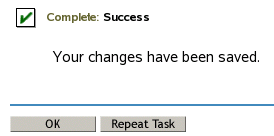
Click in the success message.
-
(Optional) You can view e-mail being processed by the postfix MTA by entering the following command in a : tail -f /var/log/mail.info.
-
Exit iManager.
-
Proceed to Section 10.0, Password Configuration.