9.1 Enabling postfix and salauthd to Start at Boot
-
From the menu, select .
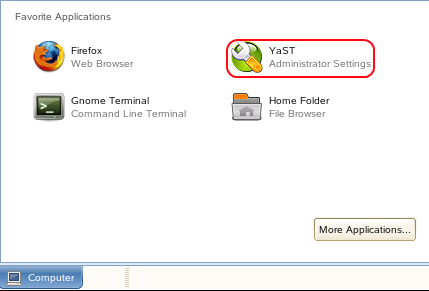
-
Log in as root when prompted.
-
Under the category, select .
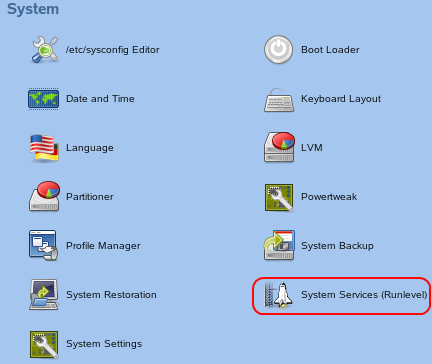
-
Browse to and select, then click .
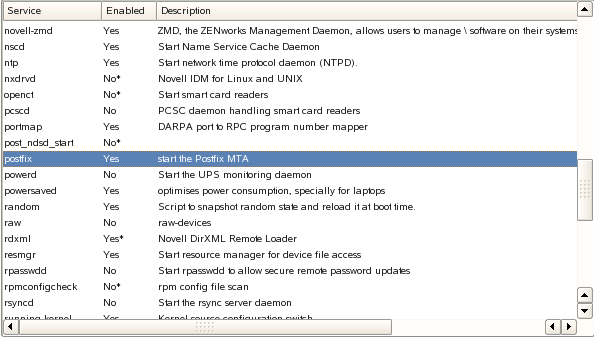
-
Click in the message that states the default runlevels are set to 3 and 5.
-
Click in the message screen.
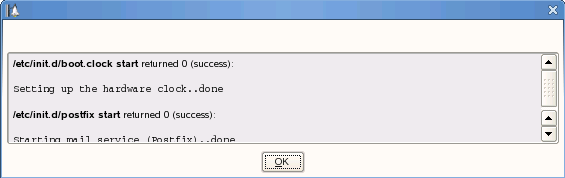
-
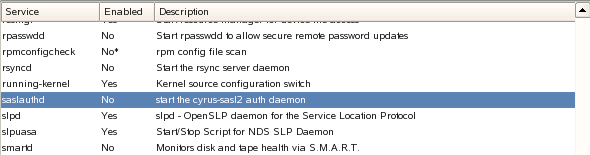
Browse to and select , then click .
-
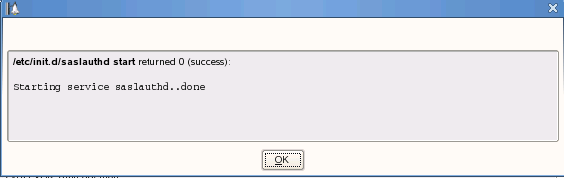
Click in the message screen.
-
Click , then click to save the changes.
-
Close YaST.
-
Proceed to Section 9.2, Configuring saslauthd to Use LDAP Authentication.