11.1 Preparing to Install the Identity Manager User Application
-
Log in to iManager as admin. (https://172.17.2.117:8443/nps/iManager.html)
-
Select
 in the iManager header, then browse to the user application driver UserApplication.driverset1.idm.services.system.
-
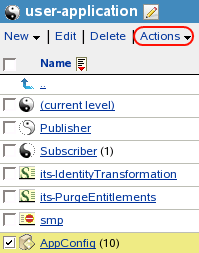
Select the AppConfig container in the list of objects stored in the user application driver, then click .
-
Select from the list of actions.
-
Select.
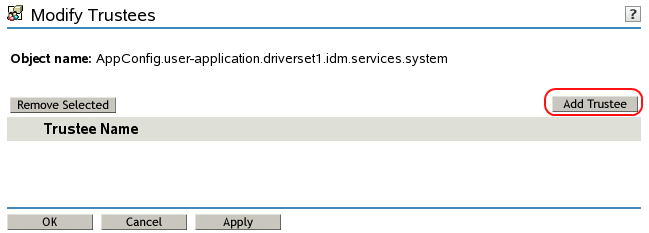
-
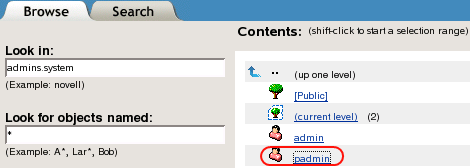
Browse to and select the padmin.admins.system user, then click.
-
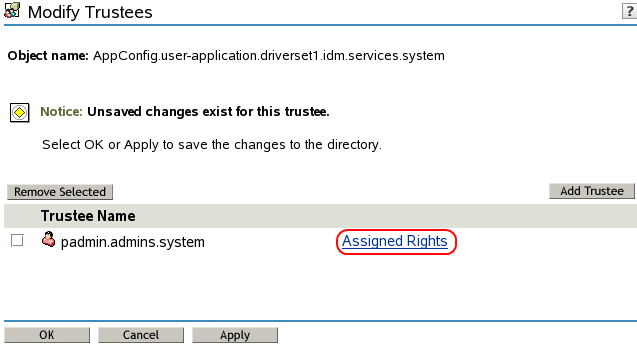
Select .
-
Select for the, then click .
![Selecting Supervisor for [Entry Rights]](../graphics/userapp_driver_modify6_a.png "Selecting Supervisor for [Entry Rights]")
-
Click to save your changes.
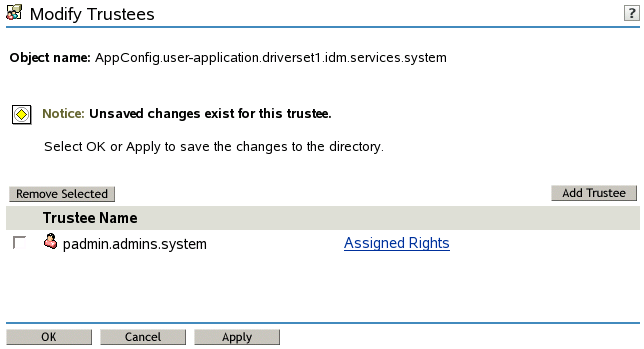
-
Click in the success message.
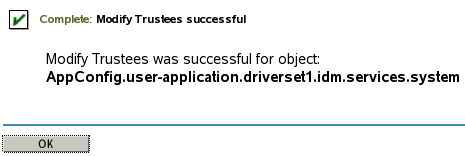
-
Exit iManager.
-
Proceed to Section 11.2, Using the Identity Manager Service Account.