4.7 Action Argument Component Builder
To launch the Action Argument Component Builder, select one of the following actions when the selection is , then click the icon  .
.
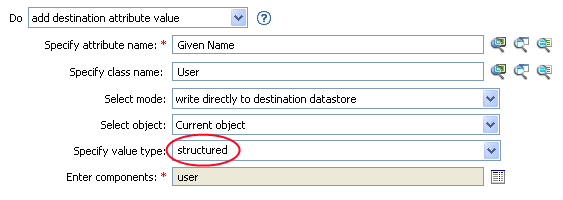
Figure 4-5 Add Destination Attribute Value Action
-
Make sure the value type is set to , then click the icon
.
-
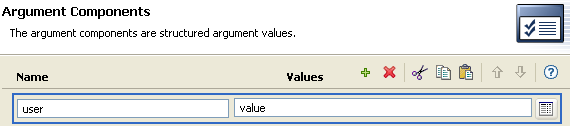
Create the value of the action component.
You can type the value, or click the
icon to create the value in the Argument Builder.
-
Click .