4.3 Accessing the Administration Tab
When you are a User Application Administrator (or other permitted user), you can access the tab of the Identity Manager user interface to manage the Identity Manager User Application. You just need a supported Web browser.
For a list of supported Web browsers, see the Roles Based Provisioning Module Installation Guide.
NOTE:To use the Identity Manager user interface, make sure your Web browser has JavaScript* and cookies enabled.
To access the Administration tab:
-
In your Web browser, go to the URL for the Identity Manager user interface as configured in your environment, with the context you used when you installed the User Application. For example:
http://myappserver:8080/IDMProv
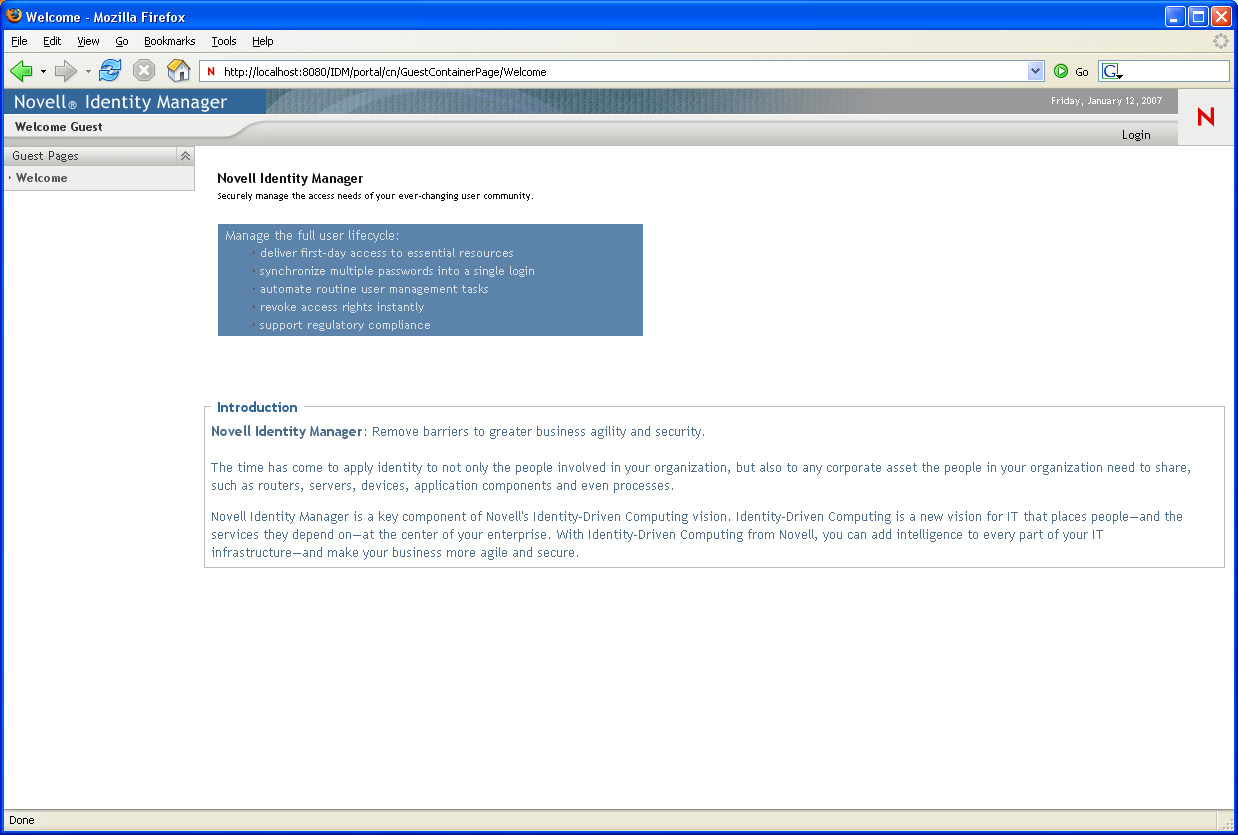
The Welcome Guest page of the user interface displays:
-
Click the link in the page header.
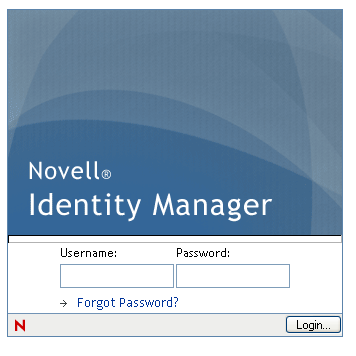
The user interface prompts you for a username and password:
-
Specify the username and password of a User Application Administrator (or a user with some permissions), then click .
After you log in, you see the appropriate user-interface content for that user.
By default, you are on the tab.
-
Click the tab.
The tab displays a menu of the administration actions you can perform. Each choice shows a corresponding page of settings and controls.
For more general information about accessing and working in the Identity Manager user interface, see the Identity Manager User Application: User Guide.