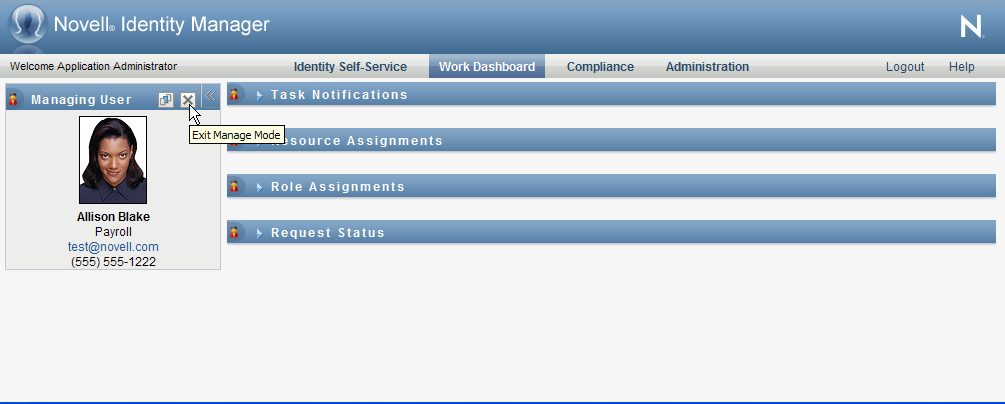
11.4 Exiting Manage Mode
To exit manage mode and reset the Work Dashboard to show data and access permissions for the current logged in user:
-
Use either of the following methods:
-
Click the on the User Profile section:
-
In the Manage dialog, click the button.
-
Proxy Mode The control is not available in proxy mode, even if a user is proxying for a user that is a Domain Administrator or Domain Manager. When a user is in proxy mode, the navigation access permissions for menu items on the Work Dashboard show the proxied user's permissions, not the permissions for the logged in user.