15.3 Exploring the Tab’s Features
This section describes the default features of the tab. (Your tab might look different because of customizations made for your organization; consult your system administrator or workflow designer.)
The left side of the tab displays a menu of actions you can perform. The actions are listed by category (, , and ):
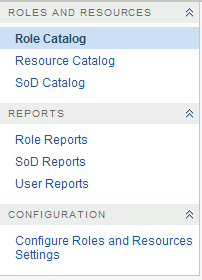
Some of the menus on the tab may not be available if you have not given navigation access.
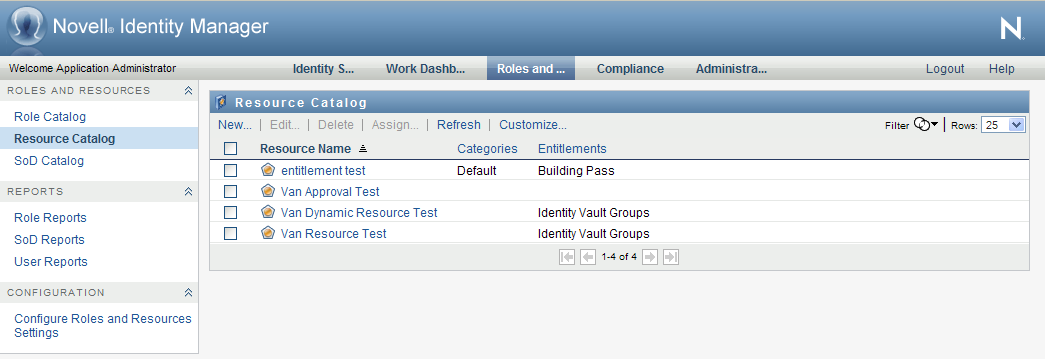
When you click an action, it displays a corresponding page on the right. The page typically contains a window that shows the details for that action. For example, it might display a list or a form where you can enter data or make a selection, as shown below:
Figure 15-2 Page Displayed for an Action