17.4 Attaching a Schema or DTD
Both the Source editor and Tree editor allow you to attach an XML schema or DTD from the toolbar.
-
In the XML Source or XML Tree editor, click Attach
 .
.
This opens the Attache Schema or DTD dialog box.
-
Specify the data source (, , or ) by clicking the appropriate radio button.
-
Provide the necessary information for the selected data source, then click .
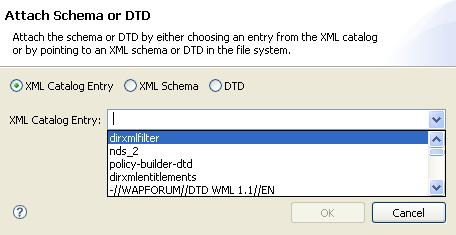
XML Catalog Entry: Choose the appropriate entry from the drop-down list.
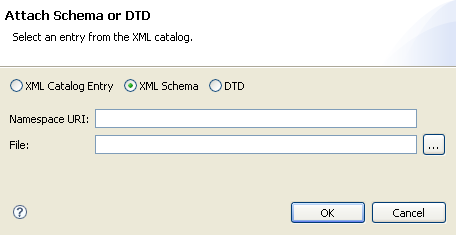
XML Schema: Specify the namespace URI and the schema file.
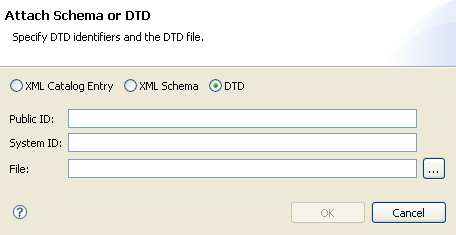
DTD: Specify the Public and System IDs and the DTD file.