7.3 Cloning a Git Repository
NOTE:Before cloning a Git repository, make sure that the ./PDT/StagingEnvironments is empty.
Perform the following actions to clone a Git repository:
-
Click .
-
Click .
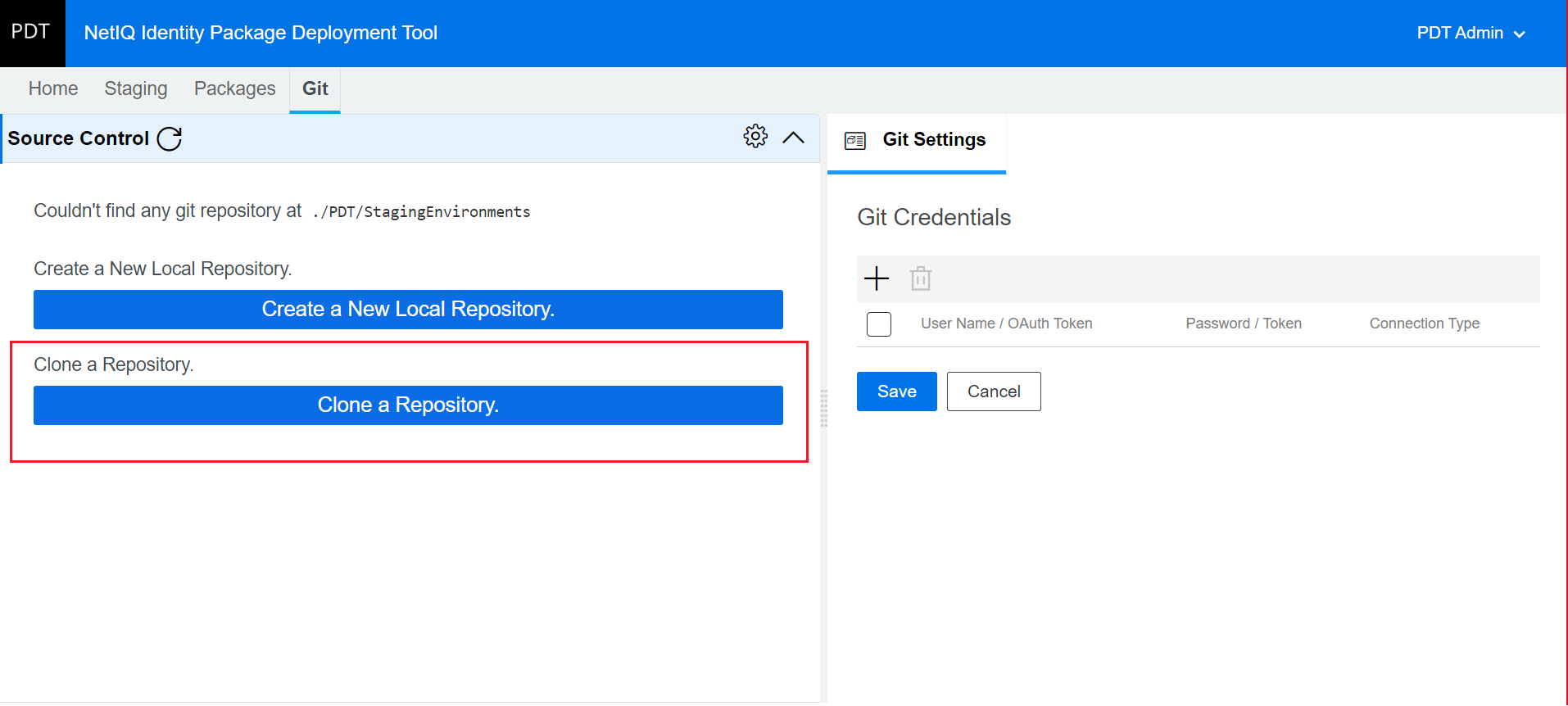
-
PDT needs user credentials to access a remote server where you maintain your Git repository. To add your credentials:
-
Click
 in Add Git Credentials window.
 -
Based on the type of connection you want to use, provide the following details:
-
For HTTPS: Do one of the following:
-
Select HTTPS in the drop-down, enter your user name in the field and password in the field; OR
-
Select HTTPS in the drop-down, enter the access token in the field
-
-
For SSH: Select SSH in the drop-down and provide the private key in the field. is not required.
-
-
Click .
-
Specify the Git repository URL you wish to clone in the field.
-
Click .
-